GSM Power Unlock Tool Latest Version Free Download
GSM Power Unlock Tool Latest Version Download – Features and Repair Guide
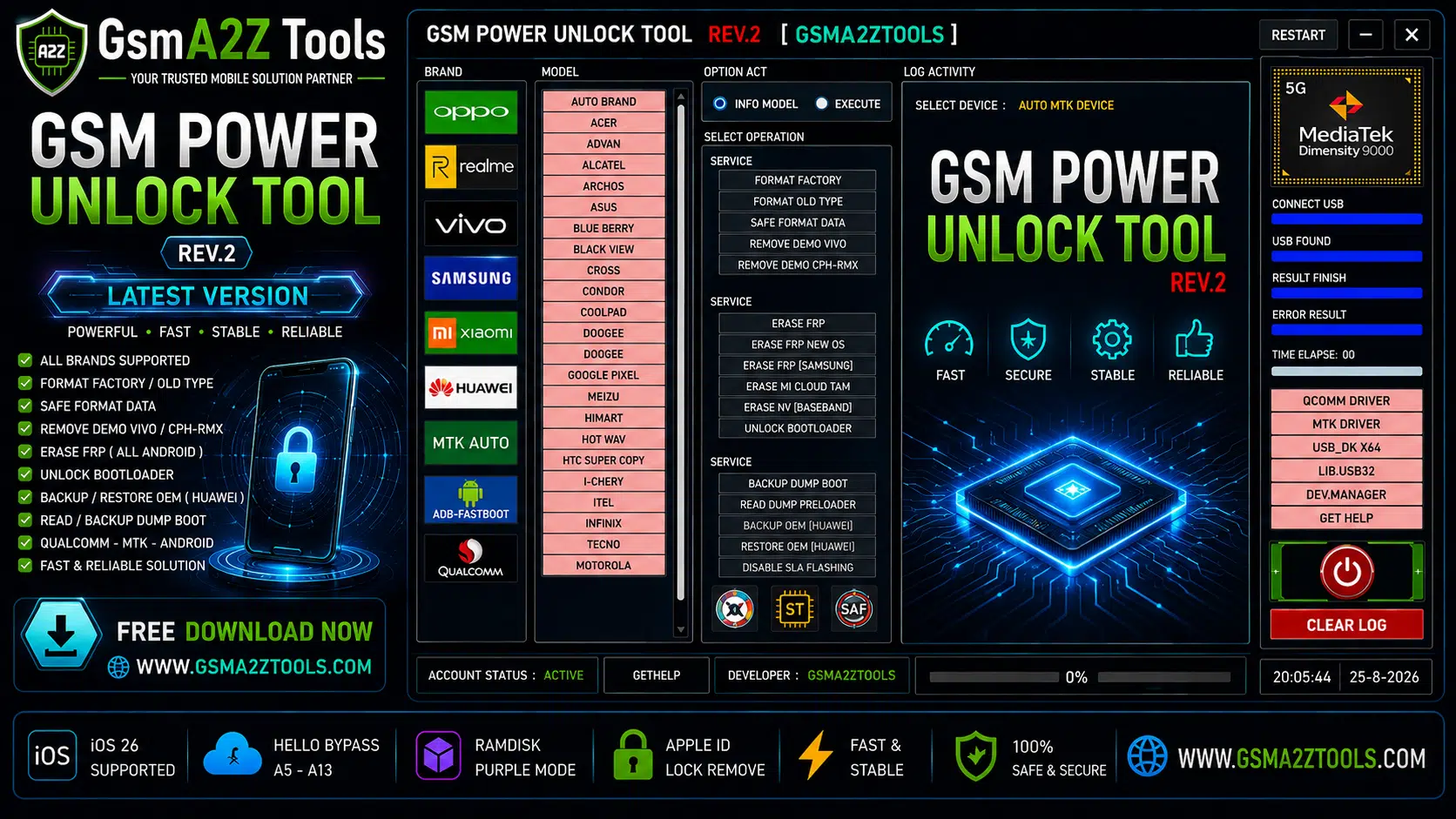
GSM Power Unlock Tool is presented as a mobile servicing utility intended for compatible smartphones and supported repair workflows. Tools in this category may provide device identification, software troubleshooting, and selected maintenance or unlocking-related functions. The actual capabilities of GSM Power Unlock Tool depend on the specific release, supported device models, and software versions. Users should verify the tool’s documentation and compatibility before installing it or performing any servicing operation.
What Is GSM Power Unlock Tool?
GSM Power Unlock Tool is associated with the mobile phone servicing field, where technicians use computer-based utilities to diagnose and maintain compatible devices. Such tools can help organize certain repair tasks through a Windows interface and a USB connection.
The available functions may differ across phone brands, chipsets, Android versions, and security updates. Therefore, users should not assume that every feature works with every device. Checking the release information before use is an important step.
Key Features of GSM Power Unlock Tool:
Device Detection and Information
- Device detection helps technicians identify a connected smartphone before beginning a repair. Depending on the supported model and software release, the tool may offer device communication or access to selected device information.
Supported Unlocking Functions
- The Tool’s name suggests a focus on unlocking-related servicing. The specific functions available should be confirmed from reliable documentation. Only use these features on devices you own or have explicit permission to service.
Android Software Maintenance
- Mobile servicing tools may support selected maintenance operations for compatible devices. These can be useful when investigating software-related issues, but the correct procedure depends on the phone’s model, firmware, and current condition.
Firmware-Related Workflows
- Some GSM servicing utilities include functions related to firmware maintenance. If this capability is available in the installed release, users should verify the firmware package and device variant before proceeding. Incorrect firmware can cause boot problems or make a phone unusable.
Windows-Based Servicing
- If GSM Power Unlock Tool is distributed as a Windows application, users should check its system requirements and driver instructions. A stable USB connection and the correct drivers may be required for supported operations.
Why Consider GSM Power Unlock Tool?
Technicians often need to work with different smartphones and diagnose a range of software problems. A compatible servicing utility can provide a centralized environment for supported maintenance tasks and help organize the repair process.
However, the practical value of GSM Power Unlock Tool depends on its verified feature set, supported device list, and reliability. Users should review trustworthy release notes rather than relying only on the tool’s name or download description.
How to Prepare Before Using the Tool?
Before starting a repair operation, follow these general precautions:
- Confirm the exact phone model and hardware variant.
- Check whether the installed tool version supports the device.
- Back up important data whenever possible.
- Install compatible USB drivers from a trusted source.
- Use a reliable USB cable and stable computer connection.
- Read the included instructions before selecting a function.
- Verify firmware compatibility before attempting firmware-related maintenance.
Taking these steps can reduce the risk of interrupted operations, data loss, and other avoidable problems.
Common Problems and Troubleshooting:
The device is not detected: Check the cable, USB port, drivers, and device connection mode. Confirm that the phone is supported by the installed version.
The application does not start: Review the stated Windows requirements and verify the authenticity of the setup file. Scan the package with reputable security software before opening it.
A servicing function fails: Review the error message, confirm the device model, and consult the tool documentation. Avoid repeating operations that could erase data or affect device software without understanding the problem.
The phone develops software issues: Stop further changes and seek model-specific repair guidance. An authorized technician may be needed if the device no longer starts correctly.
Safety and Compatibility Considerations:
GSM Power Unlock Tool should not be assumed to support every Android brand, chipset, or security patch. Unknown installation packages can contain unwanted software, while incorrect servicing procedures can cause data loss or device malfunction.
Download the application only from a source you trust, verify its compatibility, and avoid disabling security protections to run unverified files. For account verification and anti-theft locks, use the manufacturer’s official recovery options. Only service devices you own or are authorized to repair.
Final Words:
GSM Power Unlock Tool is presented as a mobile servicing utility for compatible devices and supported unlocking or maintenance workflows. Before downloading the latest version, confirm the source, review the actual feature list, and check device compatibility. Proper preparation and responsible use can help make smartphone repair safer and more effective.